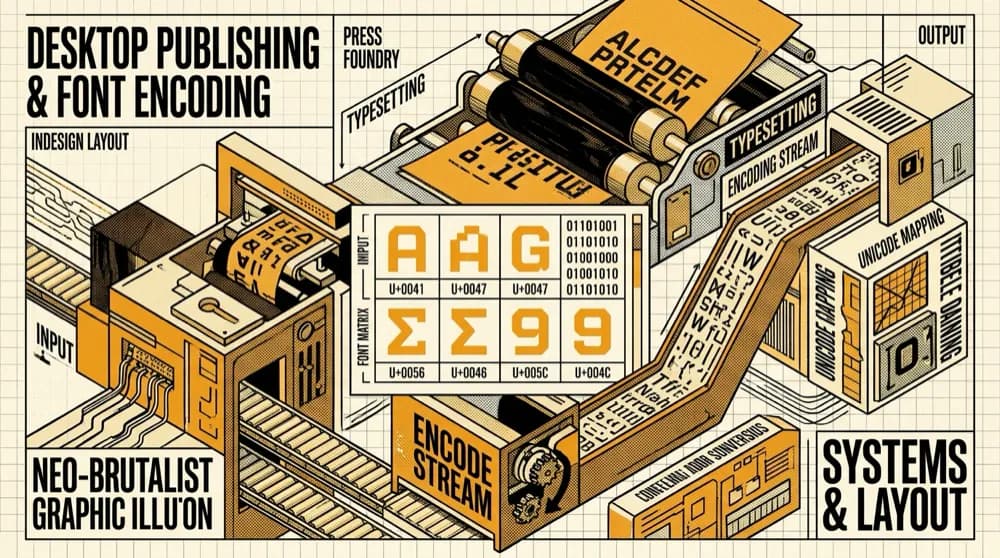
Desktop Publishing (DTP) Font Architecture: Solving Legacy Typography InDesign Bottlenecks
Overcome missing glyphs, broken ligatures, and PageMaker to InDesign migration bugs with automated bidirectional encoding converters and OpenType typography.
Explore how modern phonetic transliteration algorithms differ from official Inscript layouts, enabling fast, intuitive typing across Hindi, Bengali, Tamil, Russian, and Arabic.
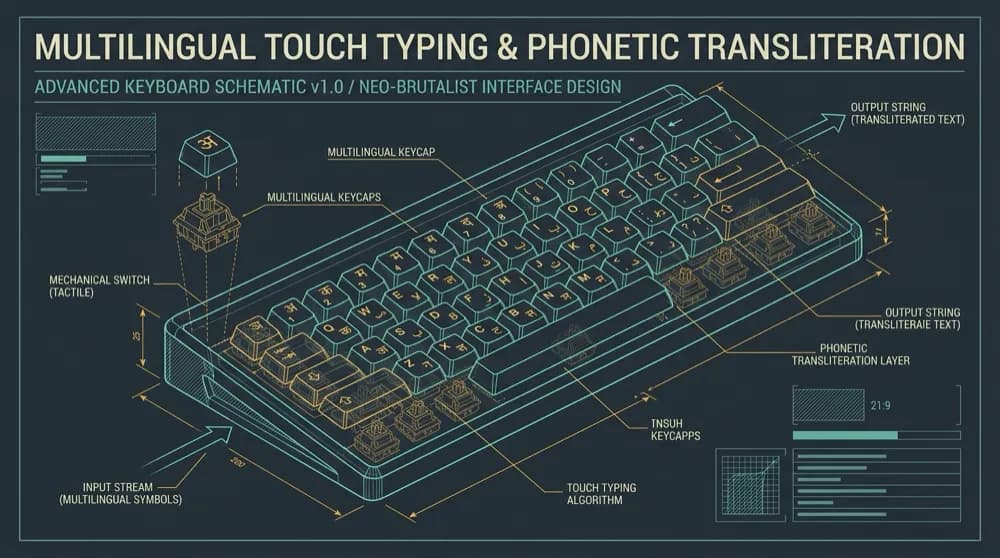
In an increasingly interconnected digital economy, professionals, students, translators, and government employees frequently need to draft documents, chat with clients, and submit reports in their native languages. Whether you are drafting a legal petition in Hindi, writing literary essays in Bengali, communicating with overseas partners in Arabic, or studying Cyrillic in Russian, typing speed and ergonomic comfort dictate your daily productivity.
Yet for most people who grew up using standard Latin QWERTY keyboards, switching to an unfamiliar script presents an intimidating learning curve. How can you type quickly and accurately in non-Latin scripts? Today, there are two primary schools of thought: the Standard Inscript Layout and Smart Phonetic Transliteration.
Created by the Indian Department of Electronics in the late 1980s, the Inscript (Indian Script) keyboard layout is the official national standard for Indian languages. Inscript was designed with linguistic symmetry in mind:
The Inscript Advantage: For government stenographers, court typists, and full-time copywriters, Inscript offers the theoretical maximum speed with minimal keystrokes. Once muscle memory is established, a typist can reach 60 to 80 words per minute.
The Inscript Challenge: The initial learning curve is steep. If you don't have an Inscript keyboard cover or physical stickers, hunting and pecking can reduce typing speed to less than 10 words per minute for weeks.
For the majority of computer users, Phonetic Transliteration (Romanized Typing) is the fastest and most natural path to multilingual typing. With phonetic transliteration, you simply type words the way they sound using familiar English letters:
namaste instantly renders as नमस्ते.dhonnobad transforms into ধন্যবাদ.vanakkam outputs வணக்கம்.spasibo generates спасибо.marhaban outputs مرحباً.High-precision transliteration is far more sophisticated than elementary letter substitution. Our online typing suite incorporates a two-tier hybrid architecture:
Whether you choose Inscript or Phonetic transliteration, deliberate practice will rapidly accelerate your words per minute (WPM):
Keep your wrists slightly elevated above the desk rather than resting flat on the edge of the keyboard. This prevents repetitive strain injury (RSI) and allows your fingers to strike keys from a natural 90-degree curve.
Typing tests and competitive benchmarks heavily penalize backspacing and typos. In languages with complex matra attachments, correcting a typo often requires deleting 3 to 4 dependent characters. Maintaining a 98% accuracy baseline will always yield higher net WPM than fast, sloppy typing.
Every language features repetitive linguistic suffixes. In Hindi, practice common endings like -te hain (ते हैं), -raha hai (रहा है), and -dijiye (दीजिए). In Bengali, drill suffixes like -chhi (ছি), -chho (ছো), and -bhabe (ভাবে).
When unfamiliar with special characters, diacritics, or Vedic accents, utilize the interactive virtual keyboard display. Clicking buttons visually reinforces the location of less common glyphs like Nukta (़), Chandrabindu (ँ), and Visarga (ः).
Consistency trumps marathon sessions. Dedicating ten minutes every morning to our free online typing tests will build permanent neuromuscular pathways in under three weeks.
Overcome missing glyphs, broken ligatures, and PageMaker to InDesign migration bugs with automated bidirectional encoding converters and OpenType typography.
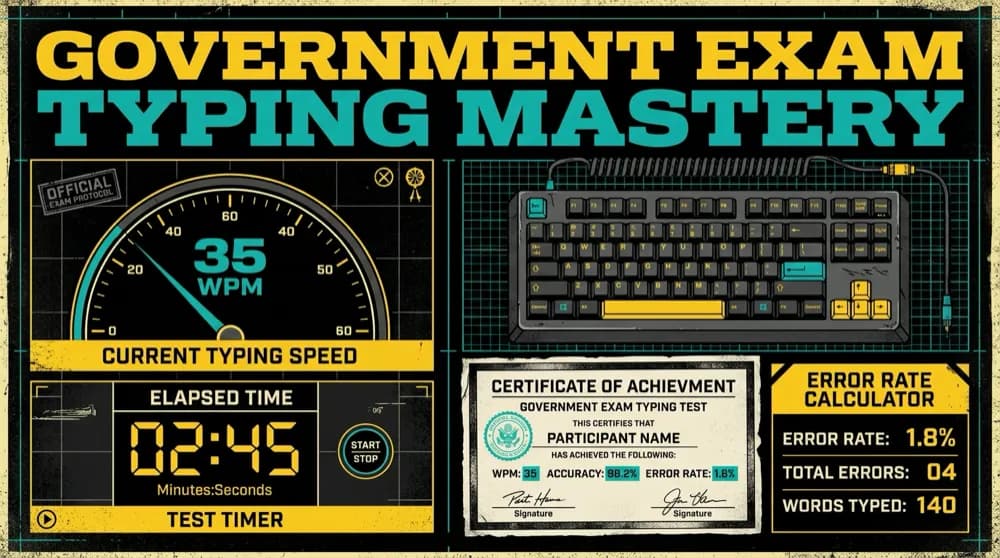
Proven benchmarks, error calculation formulas, half-mistake vs full-mistake evaluation rules, and a 30-day preparation roadmap to pass government typing skill tests.
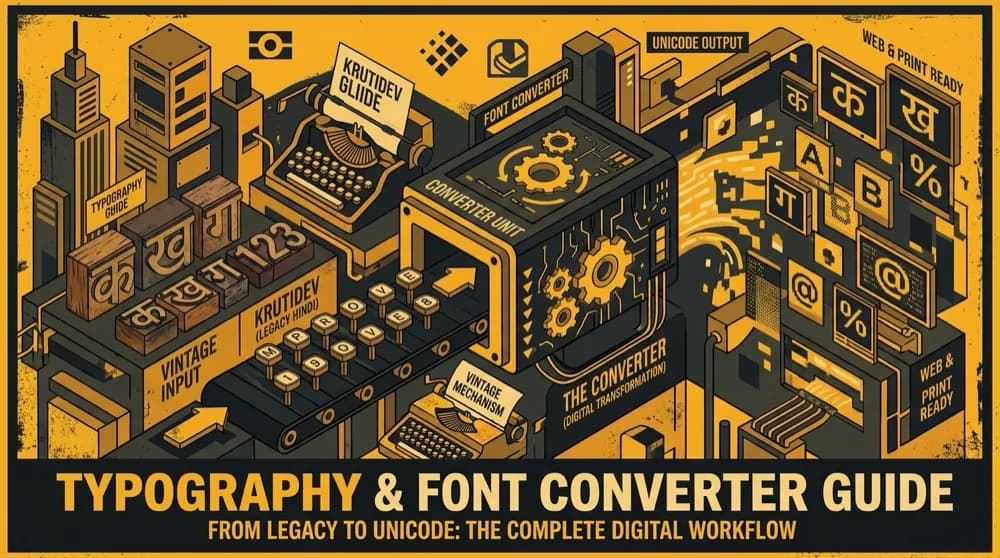
A comprehensive deep dive into legacy ASCII-mapped Indic font encodings, remap matrices, ligatures, and automated conversion pipelines to the universal Unicode standard.