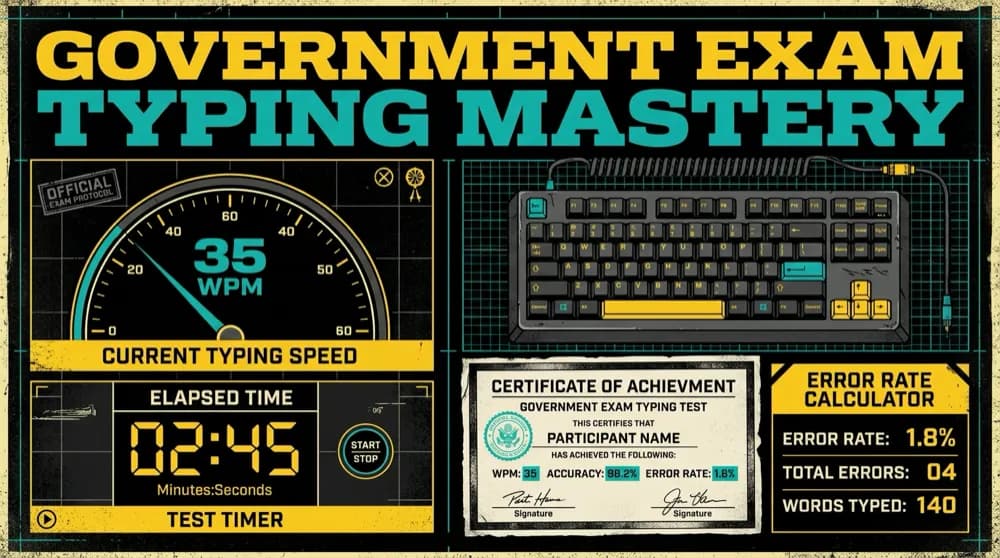
The Ultimate Government Exam Typing Test Strategy: SSC CGL, CHSL, and RRB NTPC
Proven benchmarks, error calculation formulas, half-mistake vs full-mistake evaluation rules, and a 30-day preparation roadmap to pass government typing skill tests.
Overcome missing glyphs, broken ligatures, and PageMaker to InDesign migration bugs with automated bidirectional encoding converters and OpenType typography.
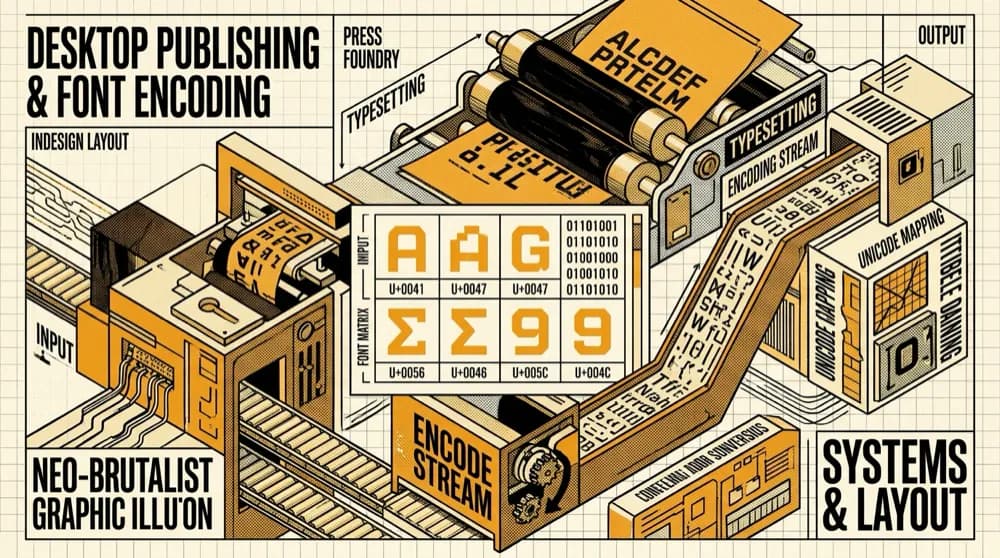
In the printing and publishing industry across South Asia, thousands of commercial printers, book publishers, newspaper presses, and packaging design studios handle millions of pages annually. Yet behind glossy magazines, government textbooks, and high-circulation dailies lies a persistent technological friction: the awkward coexistence of thirty-year-old legacy font encodings alongside modern, cloud-connected OpenType publishing suites like Adobe InDesign, Illustrator, and QuarkXPress.
Graphic designers and DTP operators frequently open legacy archives created in Adobe PageMaker 6.5 or CorelDRAW 11, only to be greeted by illegible character streams, shifted matras, inverted ligatures, and unrenderable postscript errors. Understanding font encoding architecture is no longer just for software engineers; it is a foundational skill for high-volume publishing professionals.
To understand why legacy fonts break in modern publishing tools, one must understand how modern layout software renders complex scripts:
When pasting legacy Devanagari or Bengali text into modern layout software, the short vowel mark (ि or ি) often detaches and jumps to the right side of the consonant, or disappears behind a graphic box. This happens because legacy typists entered the matra before the consonant. Modern OpenType fonts expect Unicode order (Consonant + Matra). The only reliable fix is converting the legacy text through a normalized bidirectional Unicode converter before placing it onto the InDesign pasteboard.
In classical Sanskrit, Marathi, and Hindi publications, conjuncts such as 'क्ष', 'ज्ञ', 'श्र', 'द्ध', and 'ष्ट' must render as single, elegant glyphs. In poorly converted files, an awkward visible halant ('क्+ष') breaks the visual rhythm of the typesetting. Using our high-precision conversion pipeline guarantees that complex ligatures are translated to their exact Unicode conjunct sequences, allowing OpenType fonts like Rozha One, Yatra One, Mangal, and Noto Serif to render authentic typography.
If a publisher exports an InDesign book to PDF using legacy 8-bit fonts, the resulting PDF cannot be searched, highlighted, or indexed by Google Books or academic databases. When readers copy text from the PDF, they paste unreadable strings like "Hkkjr dk lafo/kku". By converting the manuscript to Unicode prior to typesetting, the exported PDF becomes 100% searchable, accessible, and ready for e-book (EPUB) syndication.
Here is the proven 5-step pipeline adopted by professional publishing houses to modernize their production workflow:
Proven benchmarks, error calculation formulas, half-mistake vs full-mistake evaluation rules, and a 30-day preparation roadmap to pass government typing skill tests.
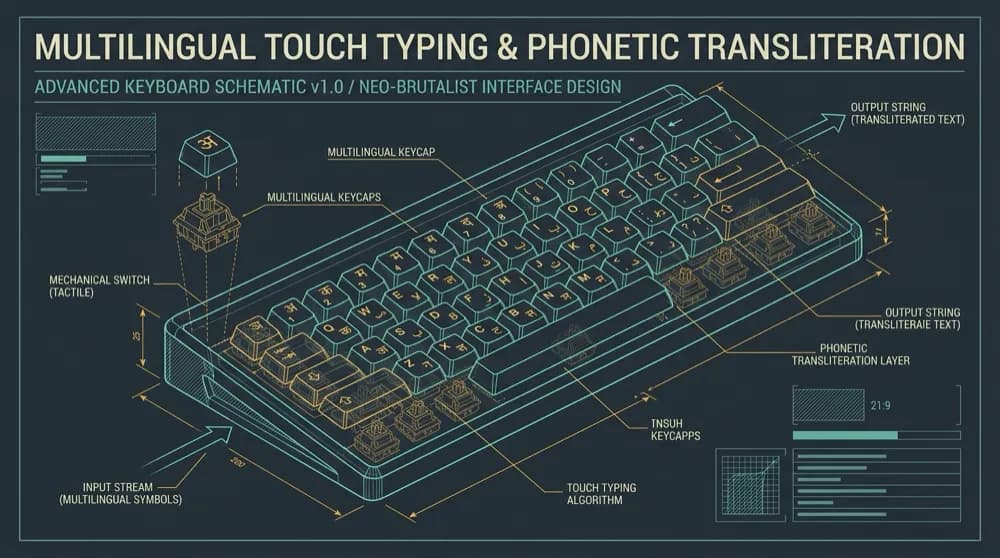
Explore how modern phonetic transliteration algorithms differ from official Inscript layouts, enabling fast, intuitive typing across Hindi, Bengali, Tamil, Russian, and Arabic.
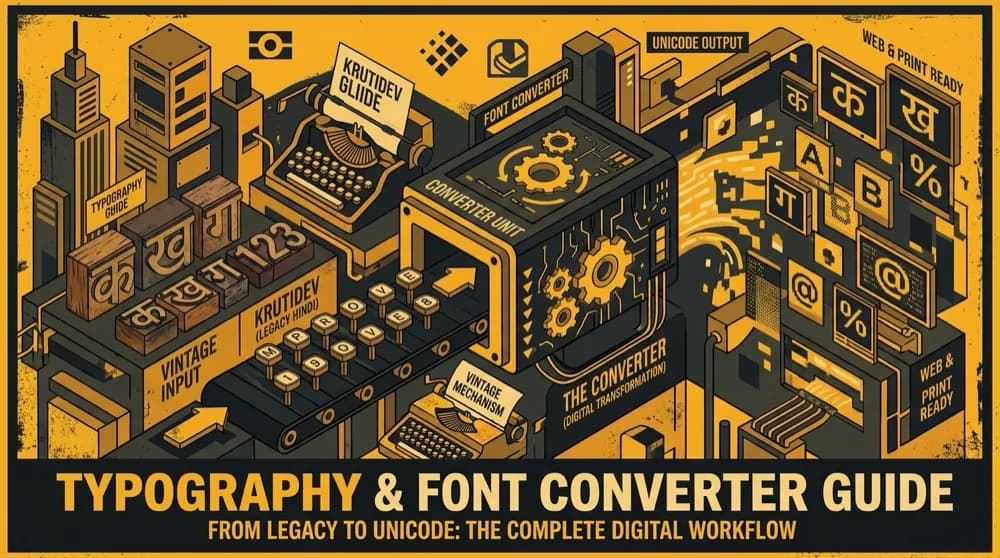
A comprehensive deep dive into legacy ASCII-mapped Indic font encodings, remap matrices, ligatures, and automated conversion pipelines to the universal Unicode standard.